
Novabench Pro
Activating Novabench Upgrades
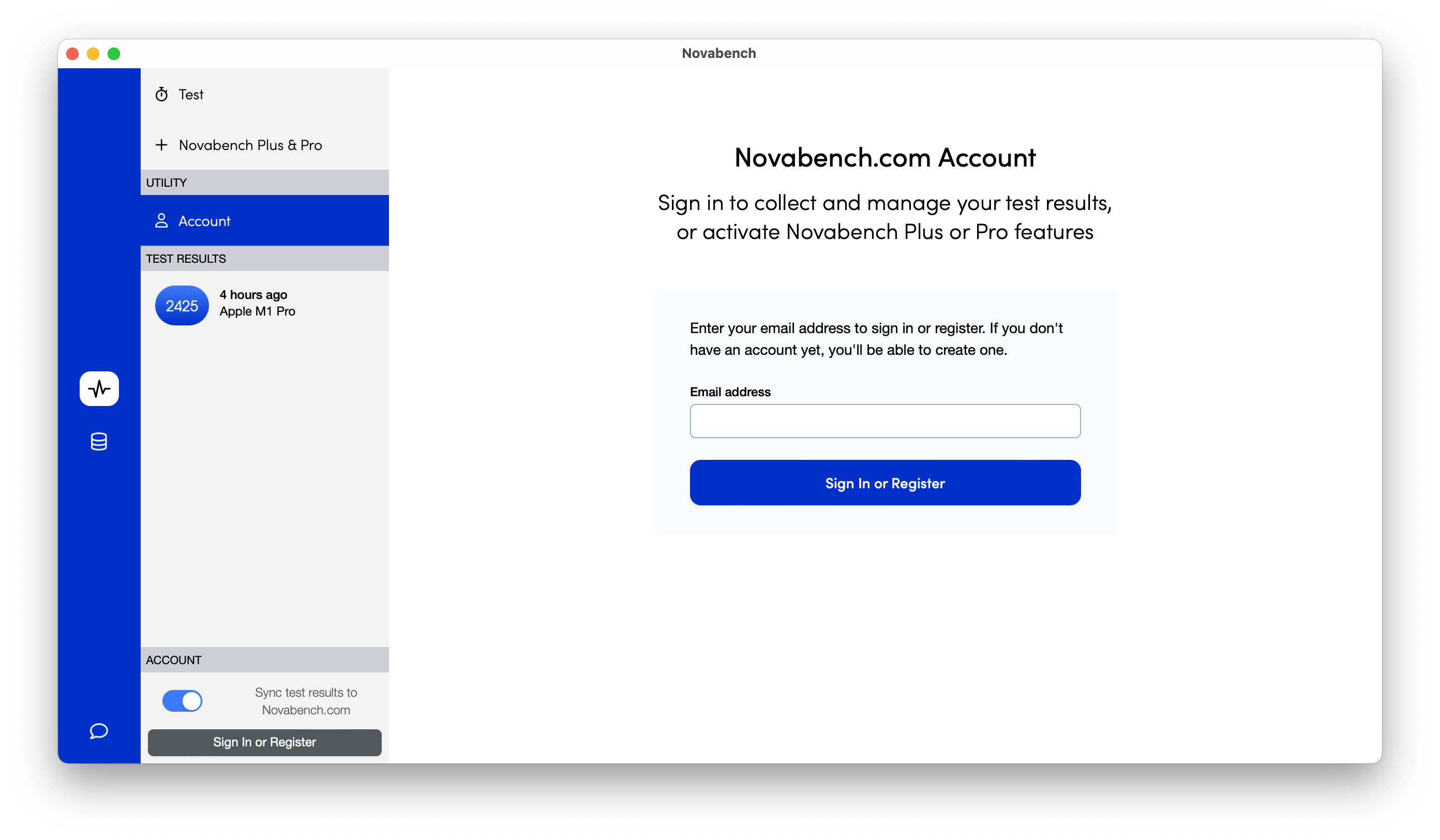
To activate your Novabench Plus or Pro upgrade:
- Download and install Novabench (if you haven't already)
- Click "Sign in or Register" on the bottom left corner
- Enter your email to receive a temporary One-Time Password
- Enter this 6-digit code to sign in and complete your activation
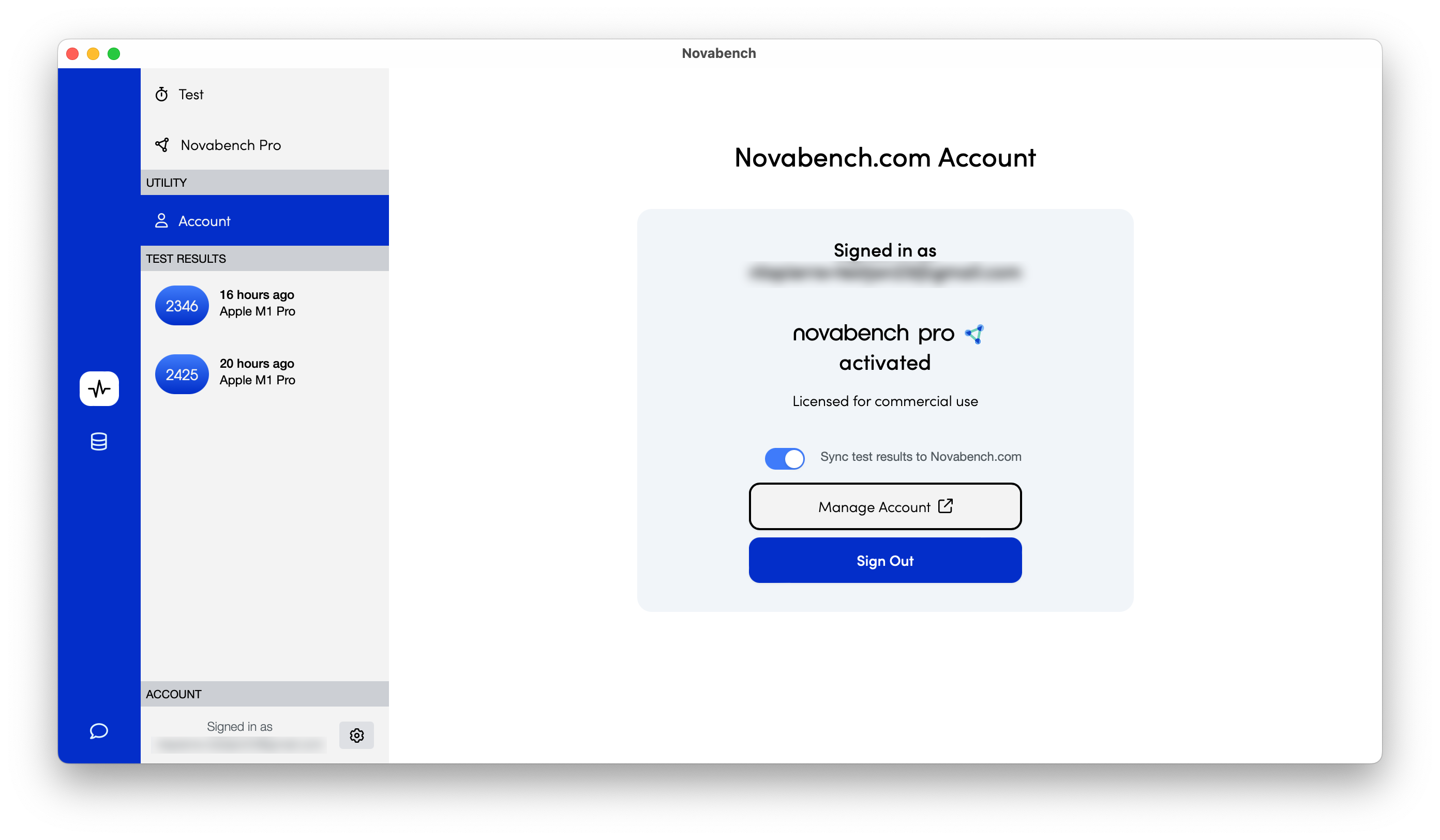
Already signed-in?
If you recently upgraded, sign out of Novabench and back in again to activate your Plus or Pro features
Alternate method
- Open the Command-line Interface
- Run the command:
./novabench.exe account --signin account@example.com