
Validate system stability
Download and run free system stress tests with Novabench
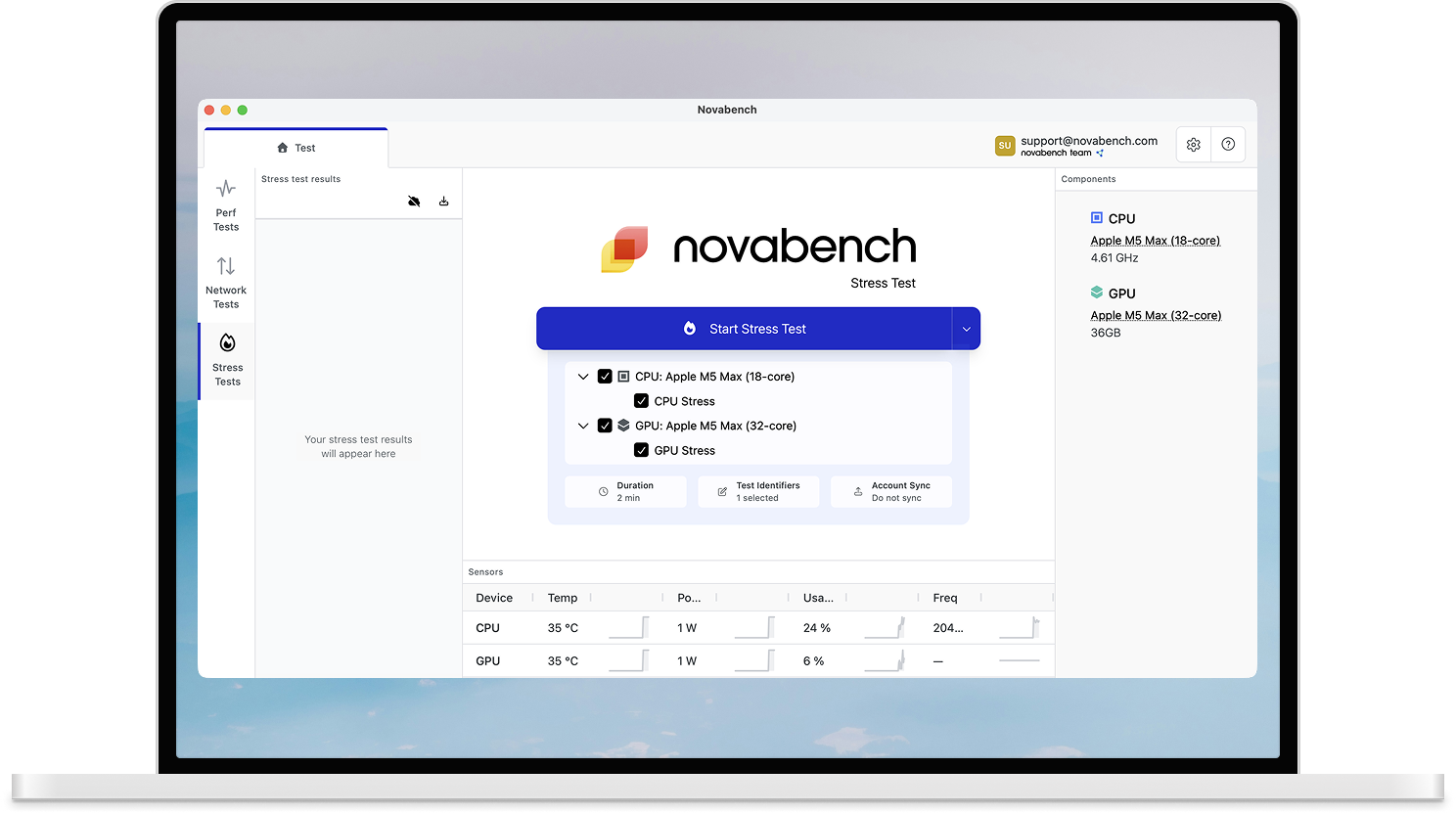
CPU Stress Test
A sustained multi-threaded workload that pushes every core to 100% utilization, helps reveal instability, inadequate power delivery, or insufficient cooling.
- Pushes all cores to maximum sustained load
- Pass/fail stability indicator
- Monitors temperature and throttling throughout
- Validate overclocks and cooling systems
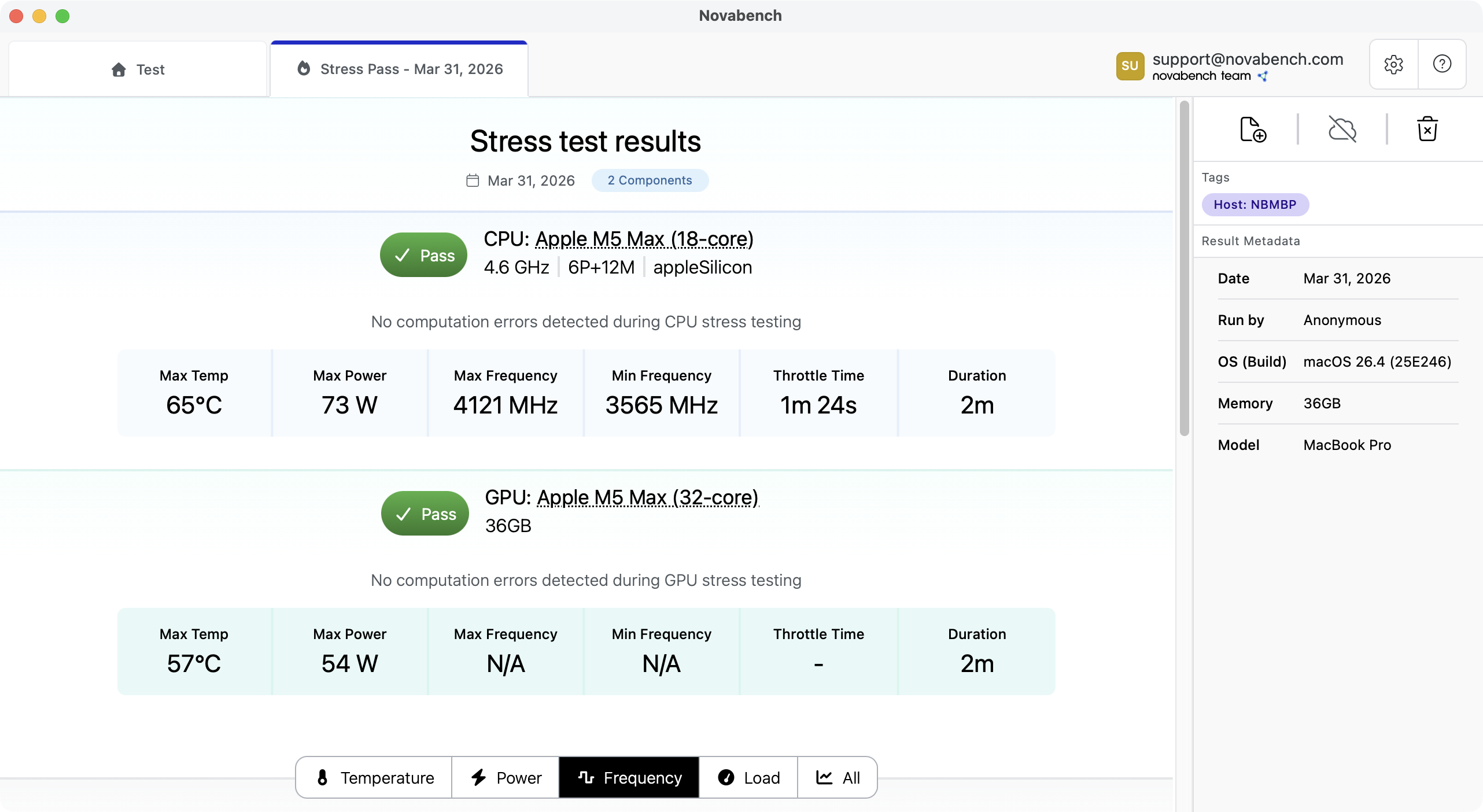
CPU Stress Test
A sustained multi-threaded workload that pushes every core to 100% utilization, helps reveal instability, inadequate power delivery, or insufficient cooling.
- Pushes all cores to maximum sustained load
- Pass/fail stability indicator
- Monitors temperature and throttling throughout
- Validate overclocks and cooling systems
When to stress test
Stress testing pushes your hardware to its limits and can contribute to wear and tear. Use it when you have a specific reason: validating a new build or overclocks, checking used hardware, or diagnosing crashes or instability.
CPU stress testing
Novabench loads every CPU thread with a sustained workload, exposing instability from inadequate cooling, aggressive overclocks, or hardware issues that lighter loads can miss.
- Loads all threads to 100% for the full test duration
- Clear pass/fail result with detailed stability metrics
GPU stress testing
Novabench runs a GPU compute job that saturates shader cores, memory bandwidth, and power delivery, exposing instability that lighter workloads can miss.
- FMA-intensive compute shader maximizes load
- Clear pass/fail result with detailed stability metrics
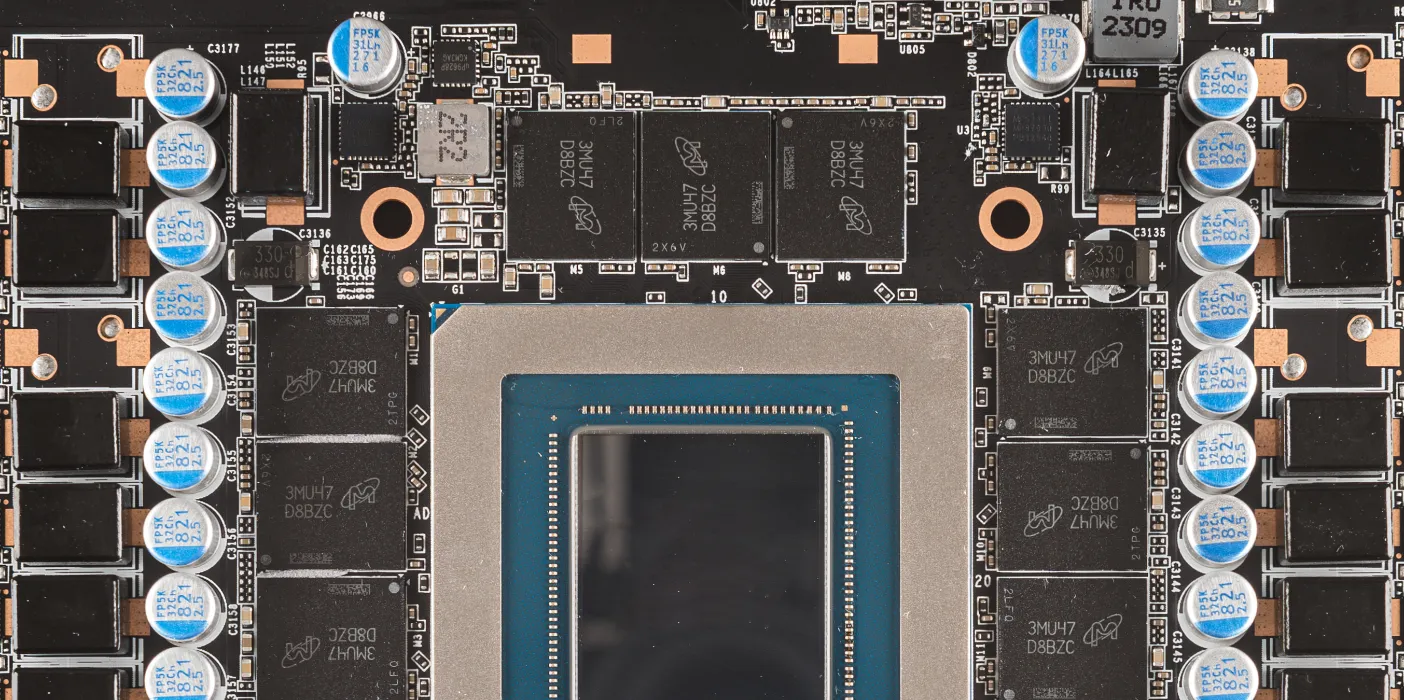
VRAM testing detects faulty memory
Faulty VRAM causes visual artifacts, driver crashes, and game instability. These symptoms are often blamed on software. Novabench cycles through five test patterns to catch both bit errors and addressing faults.
- Five distinct bit patterns detect stuck bits, coupling faults, and address errors
- Tests full allocation limit of device-local VRAM
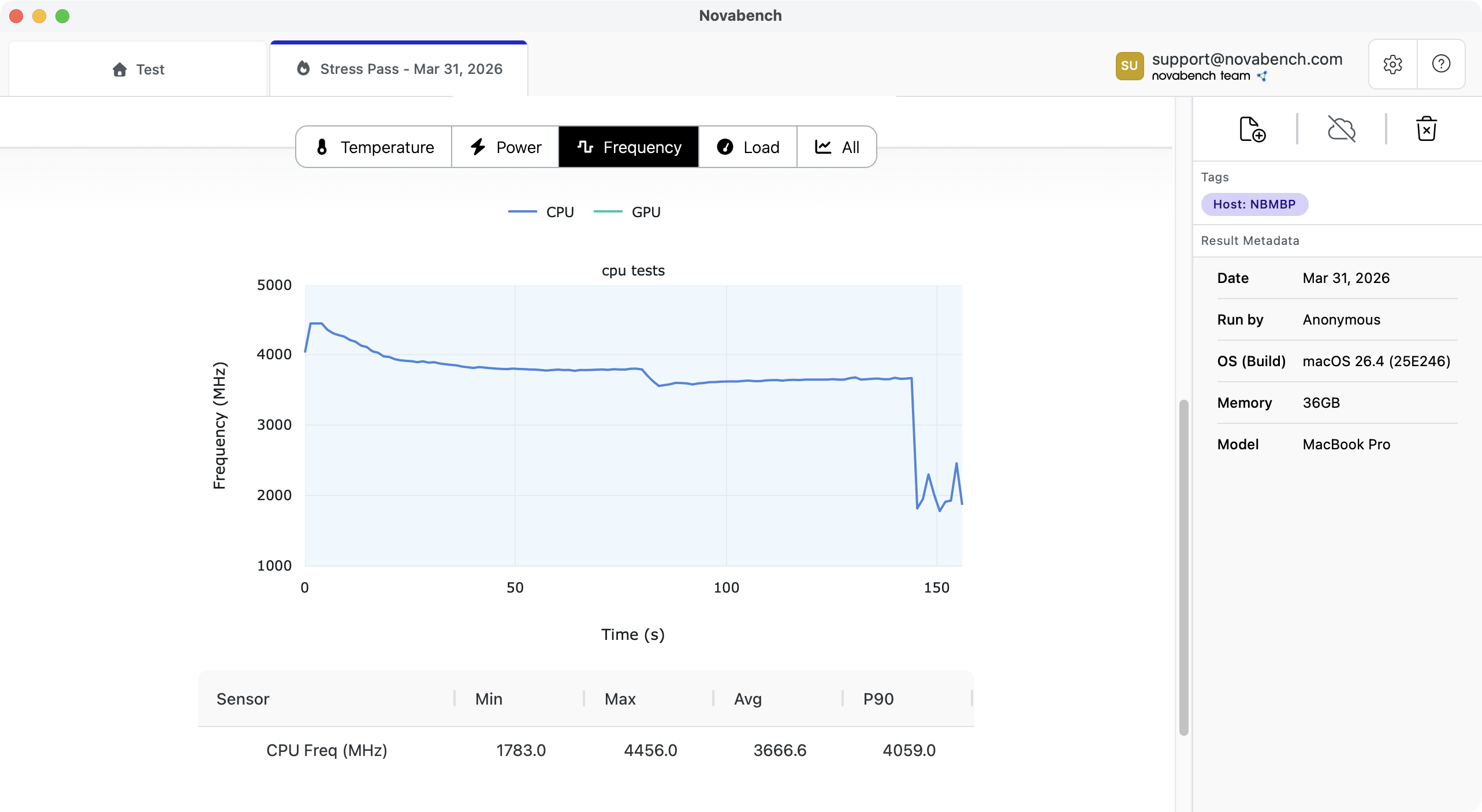
See when your hardware throttles
Novabench continuously samples clock frequencies, temperatures, and power draw during every stress test. When your CPU or GPU drops frequency from thermal limits or power delivery constraints, you see exactly when it happens.
- Detects frequency drops from thermal or power throttling
- Reports total throttle time and minimum sustained frequency
- Records peak temperature and power draw per device
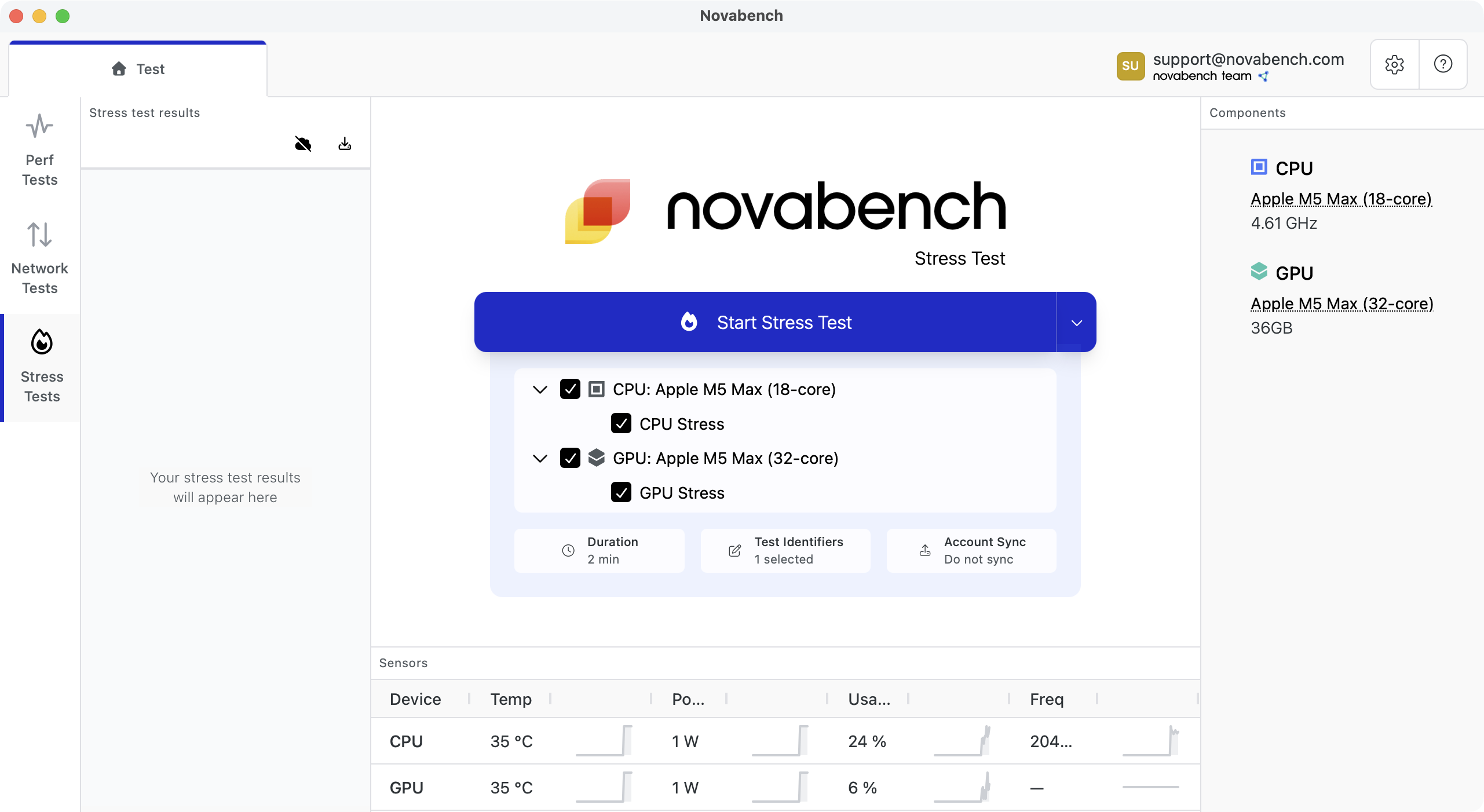
Stress one component or all at once
Test one component at a time to isolate issues, or run CPU and GPU stress tests simultaneously to push your entire system to worst-case power and thermal load.
- Independent CPU and GPU stress workloads
- Simultaneous CPU + GPU testing for worst-case load (Pro)
- Exposes power delivery and VRM weaknesses
Frequently Asked Questions
A stress test pushes your CPU, GPU, or both to maximum sustained load to check for instability, thermal throttling, and hardware faults. Because it drives components harder than normal use, it can contribute to wear, so treat it as a diagnostic tool rather than something to run routinely. Common reasons to stress test include validating a new build, verifying an overclock, checking used hardware before purchase, or isolating the cause of crashes.