
- Benchmark test
- NPU test
Benchmark your NPU
Novabench measures throughput and inference latency on the AI accelerator and confirms that your device is ready for applications that use the NPU.
What the NPU test measures
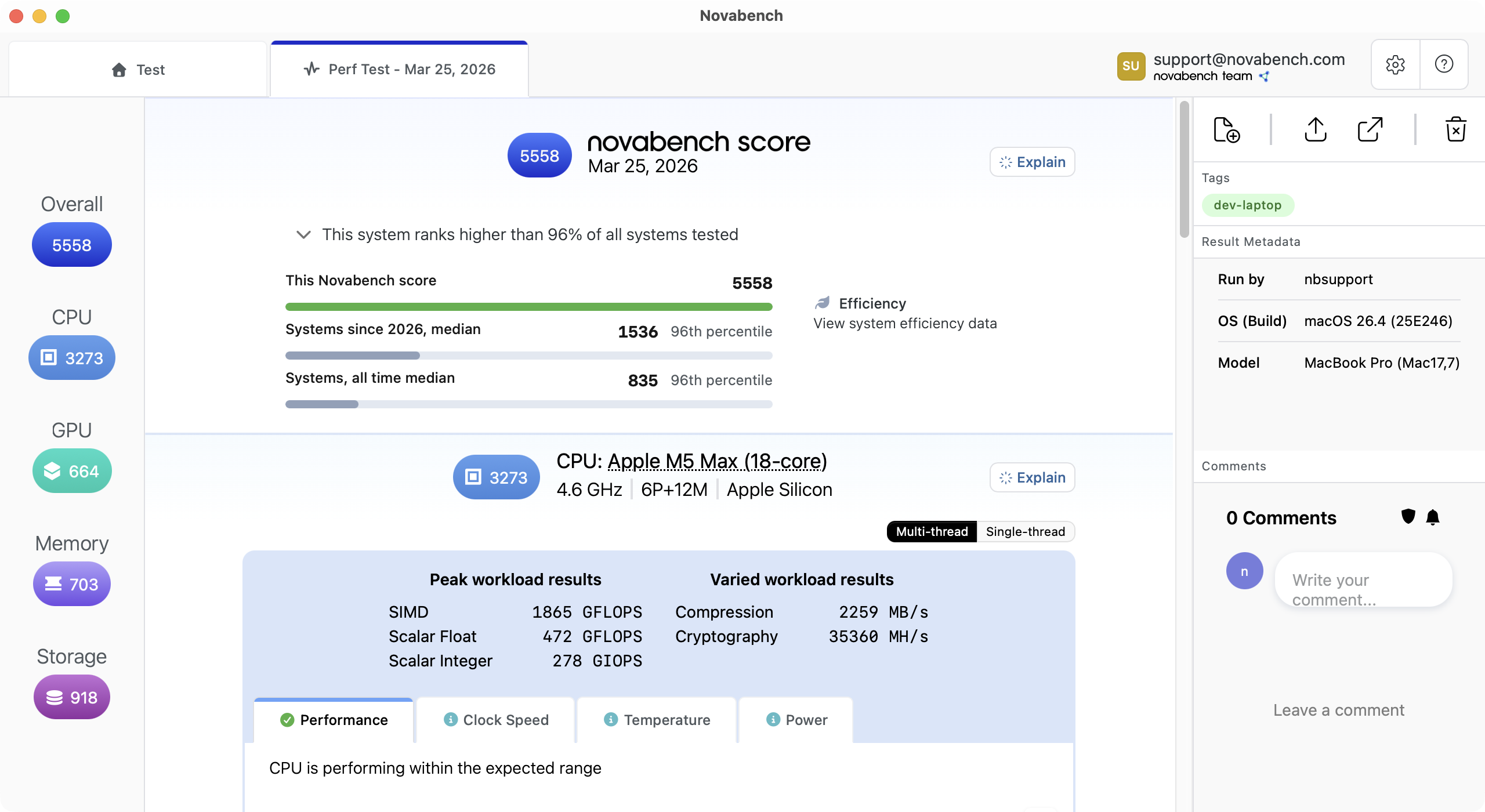
Novabench runs two workload types that exercise the shape of typical NPU workloads. Individual test results roll up to a top-level score that reflects a balanced performance profile for general comparison.
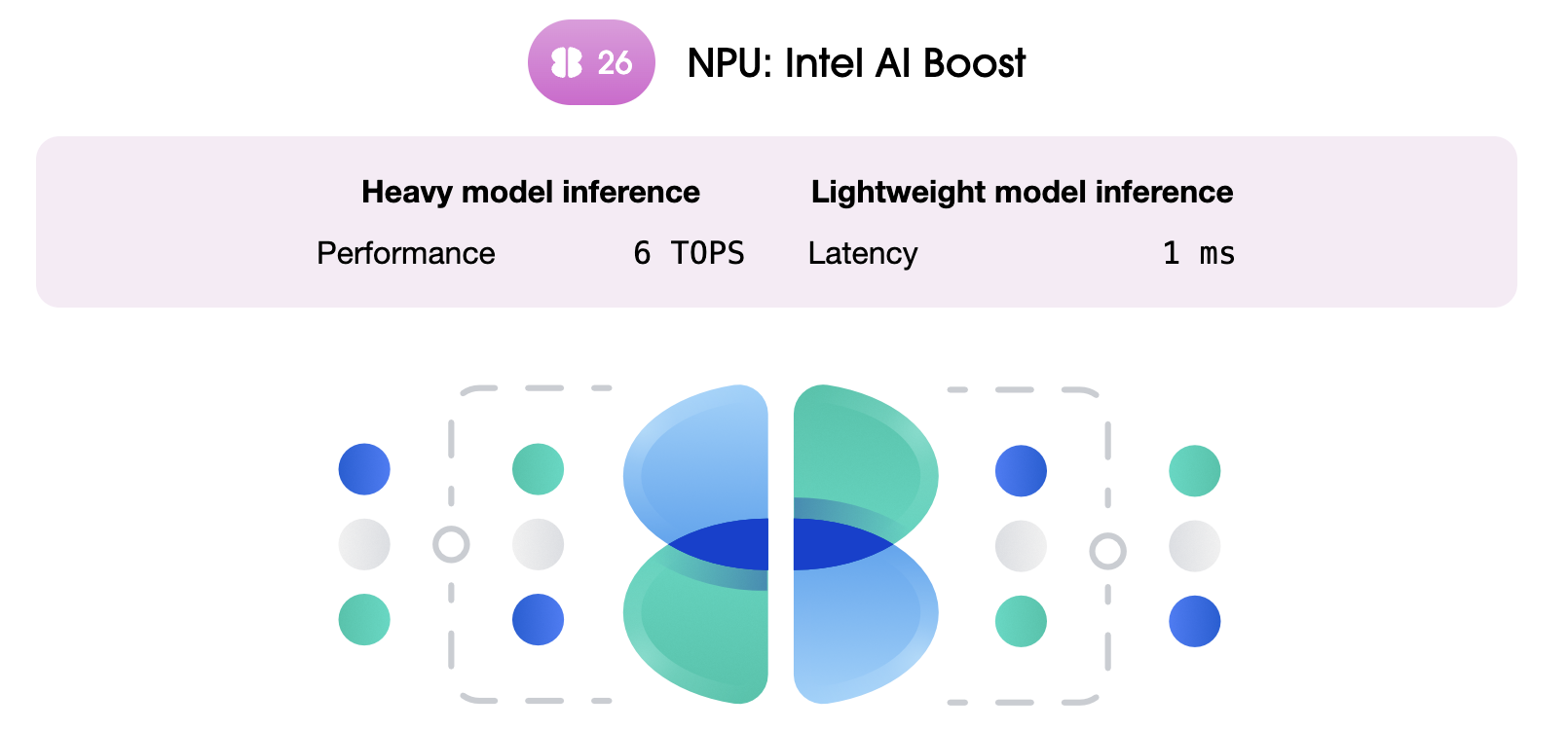
- Throughput measured with image object detection, using a calibrated pool of concurrent inference requests, reported in trillion operations per second (TOPS)
- Latency measured with selfie segmentation, a model commonly used for live camera effects, to show responsiveness for real-time inference
- Numbers reflect measured workload performance rather than the theoretical peak TOPS that vendors typically advertise
Compare AI accelerators on Windows and Mac
Novabench NPU workloads are comparable across supported platforms and AI accelerator vendors. The same inference models run through Core ML on Apple Silicon, QNN on Snapdragon Copilot+ PCs, OpenVINO on Intel AI Boost, and Vitis AI on AMD Ryzen AI. If you want to compare how local language models run across your CPU, GPU, and NPU, use the AI benchmark.
How the NPU benchmark works
Novabench's NPU benchmark is designed around three priorities: consistent measurement, fair comparison across systems, and a balanced top-level score backed by full per-test detail.
- Warmup and calibration
- Each test starts with a warmup phase that brings the NPU to a steady operating state and calibrates workload size for the system.
- Process isolation
- Each test runs in its own worker process, separate from the Novabench app. This lets the benchmark control exactly how the workload runs on the NPU, without interference from the app's own UI, logging, and sensor sampling. It also keeps each test from being influenced by the one before it.
- Real inference models
- The throughput test runs SSD-ResNet50, an image object detection model. The latency test runs Selfie Segmentation, modeling per-frame inference on 60 fps video. Both are workloads that modern applications are starting to offload to the NPU.
- Measured TOPS, not theoretical
- Vendors often publish theoretical peak TOPS that models cannot realistically reach due to memory bandwidth constraints. Novabench reports the operations per second your NPU delivers while running real models.
- Workloads and scoring
- Throughput and latency results feed a single NPU score that sits alongside the rest of your Novabench results. The headline score is a summary for general-purpose comparison; the per-test details show how an NPU handles specific workloads, and both are always shown together.
- Vendor runtime coverage
- Novabench runs through Core ML on Apple Silicon, ONNX QNN on Qualcomm Snapdragon X, OpenVINO on Intel Core Ultra, and Vitis AI on AMD Ryzen AI. Every platform runs the same work.
Frequently asked questions
Yes. Novabench Free runs the full NPU benchmark along with CPU, GPU, memory, and storage tests on Windows, macOS, and Linux. Paid tiers add sensor monitoring, deeper reports, and team features.
Benchmark your NPU
Download Novabench free and score your NPU in minutes on Copilot+ PCs and Apple Silicon Macs.