
- Benchmark test
- GPU test
Benchmark your GPU
Novabench tests rendering, compute, and memory throughput on the GPU and indicates issues that may be limiting performance.
What the GPU test measures
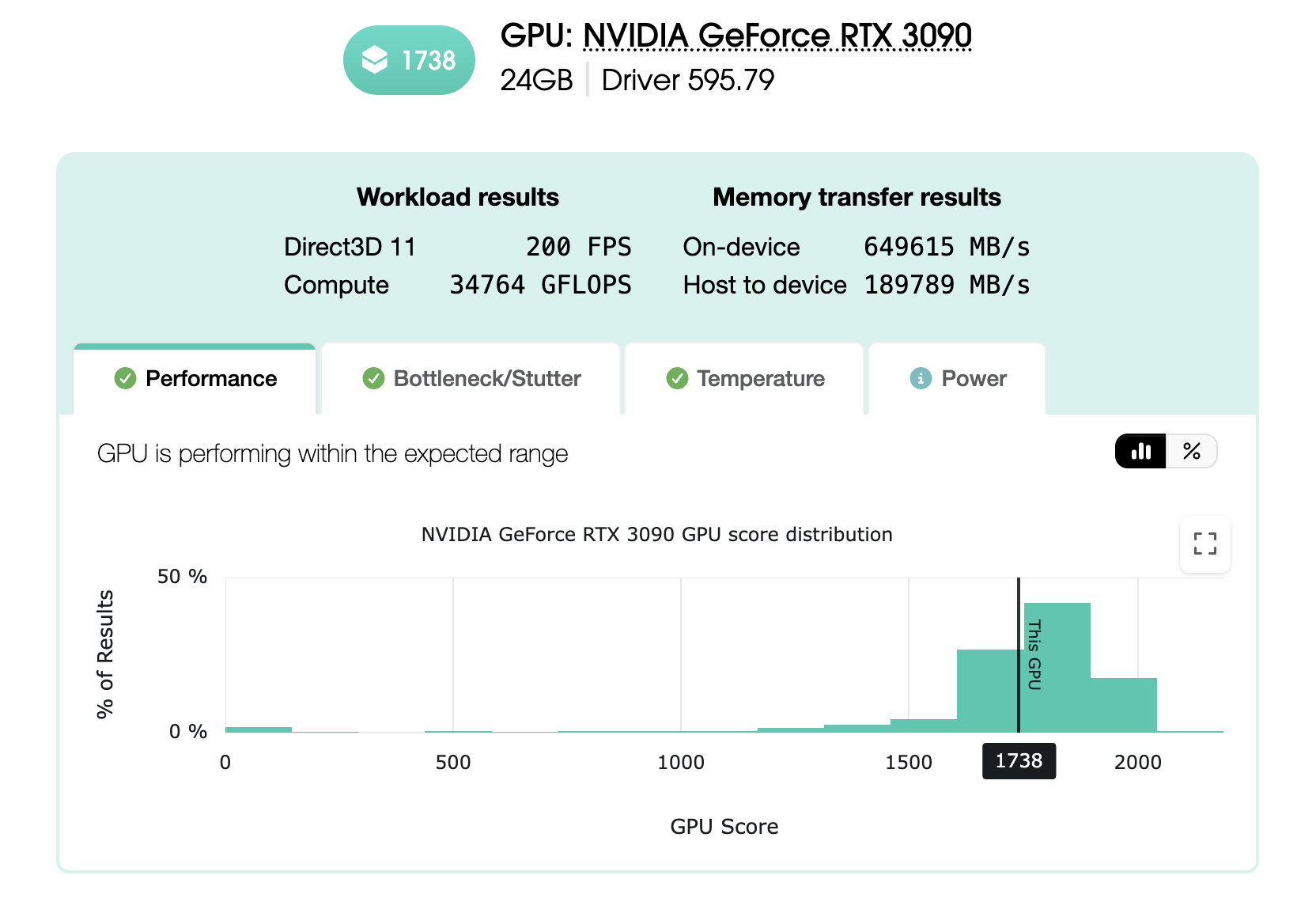
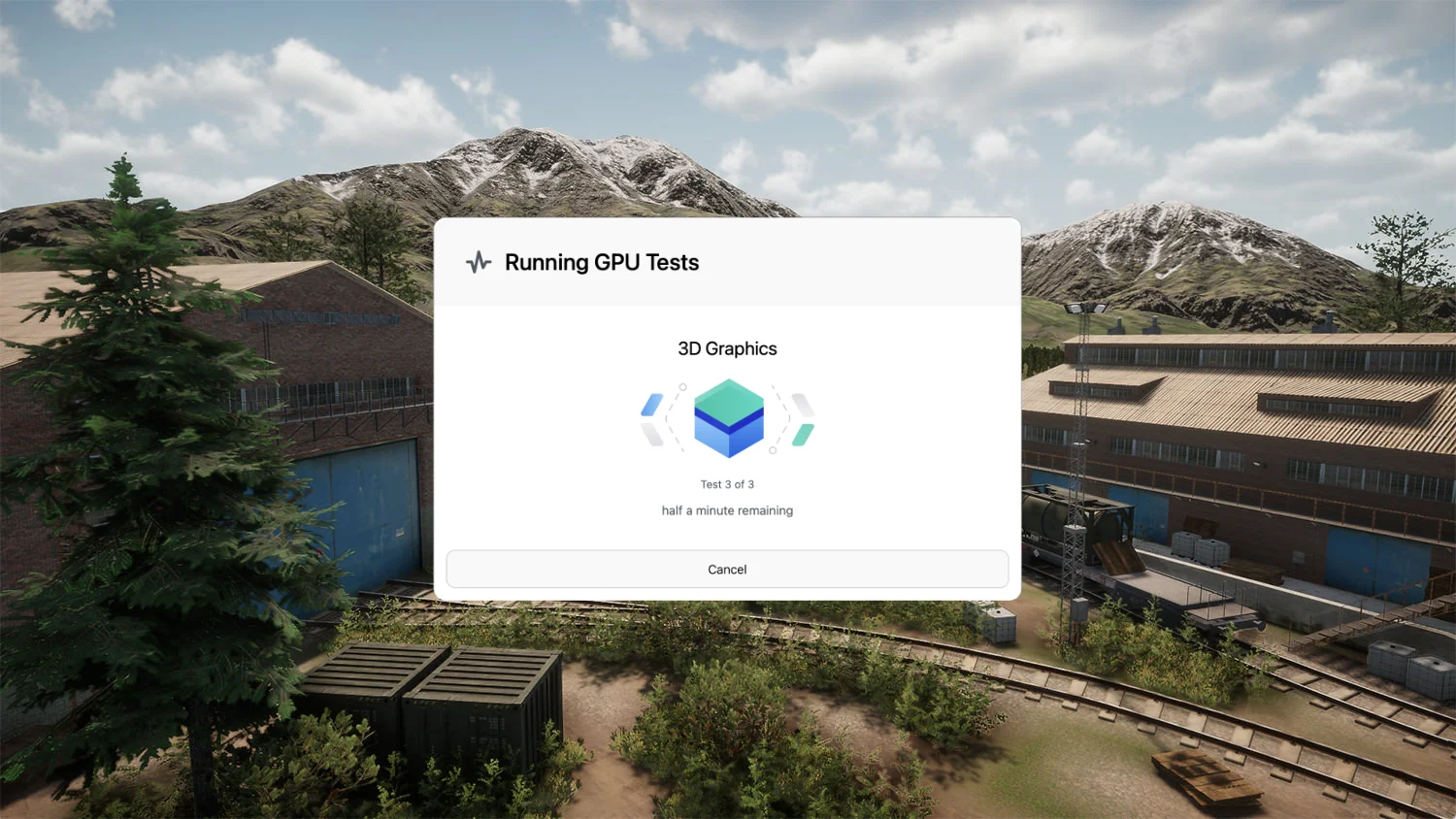
Novabench runs three workload types that exercise different parts of the graphics card. Individual test results roll up to top-level scores that reflect a balanced performance profile for general comparison.
- Real-time 3D rendering through the platform-native graphics API for game-like workloads
- GPGPU compute across thousands of parallel work items, reported in GFLOPS
- VRAM throughput for host-to-device and device-to-device transfers, reported in MB/s
Compare across Windows, macOS, and Linux
Novabench GPU workloads are comparable across supported platforms. The 3D test uses each platform's native graphics API to reflect real-world game and application performance, while compute and VRAM tests run on the Vulkan API for direct cross-platform comparison.
How the GPU benchmark works
Novabench's GPU benchmark is designed around three priorities: consistent measurement, fair comparison across systems, and a balanced top-level score backed by full per-test detail.
- Warmup and calibration
- Each test runs for a set window. Novabench measures how much rendering, compute, and memory throughput the GPU delivers in that time, so a fast card and a slow card both produce a meaningful amount of work to compare.
- Process isolation
- Each test runs in its own worker process, separate from the Novabench app. This lets the benchmark control exactly how the workload runs on the GPU, without interference from the app's own UI, logging, and sensor sampling. It also keeps each test from being influenced by the one before it.
- Thermal gaps between tests
- A brief cooldown between tests lets the GPU recover, to reduce the thermal impact of prior tests on later ones.
- Workloads and scoring
- Three workload types - 3D rendering, GPGPU compute, and VRAM throughput - feed a geometric mean score that reflects overall GPU capability. The headline score is a summary for general-purpose comparison; the per-test details show how a GPU handles specific workloads, and both are always shown together.
- Graphics APIs
- The 3D test renders the same scene with Direct3D 11 on Windows, Metal on macOS, and Vulkan on Linux, reflecting what games and 3D applications generally use on each platform. The compute and VRAM tests run on Vulkan (via MoltenVK on macOS).
- Frame timing and bottleneck analysis
- During the 3D test, Novabench tracks per-frame render time alongside CPU and GPU wait time. The resulting analysis helps identify performance bottlenecks or stuttering issues.
- Hardware detection and GPU selection
- Every result captures GPU model and driver version. If your system has both an integrated GPU and a discrete card, or more than one discrete GPU, you pick which device to test, so when you compare your score to others, you're comparing the same chip in the same configuration.
Frequently asked questions
Yes. Novabench Free runs the full GPU benchmark along with CPU, memory, storage, and NPU tests on Windows, macOS, and Linux. Paid tiers add sensor monitoring, deeper reports, and team features.
Benchmark your GPU
Download Novabench free and score your GPU in minutes on Windows, macOS, or Linux.